win10怎么查询内存频率
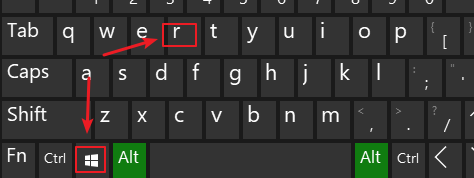
1、win+r打开运行。
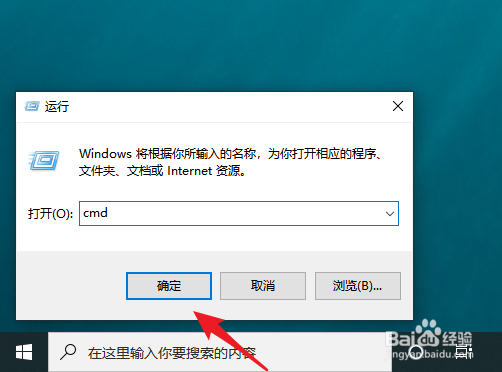
2、执行cmd。
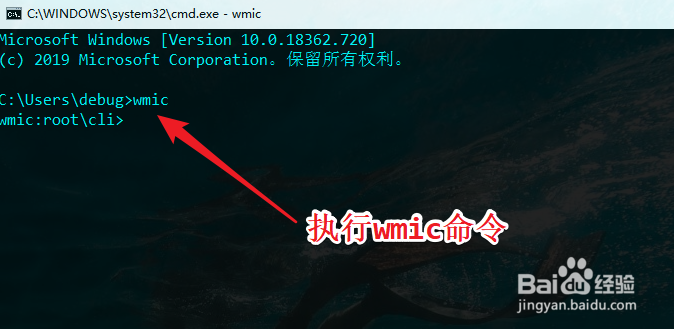
3、执行wmic命令。
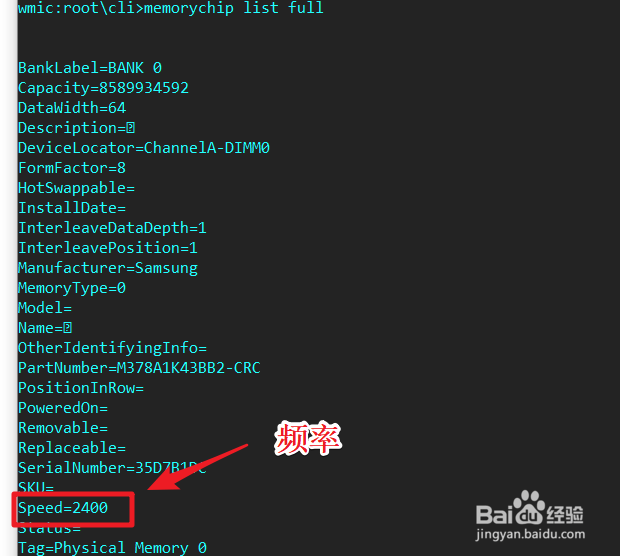
4、memorychip list full
列出内存信息。speed即为内存频率。
1、运行powershell。
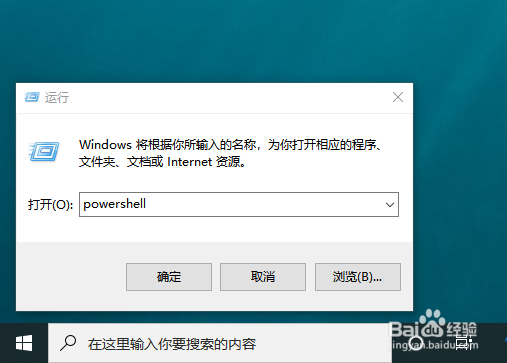
2、Get-WmiObject -Class Win32_PhysicalMemory
执行。
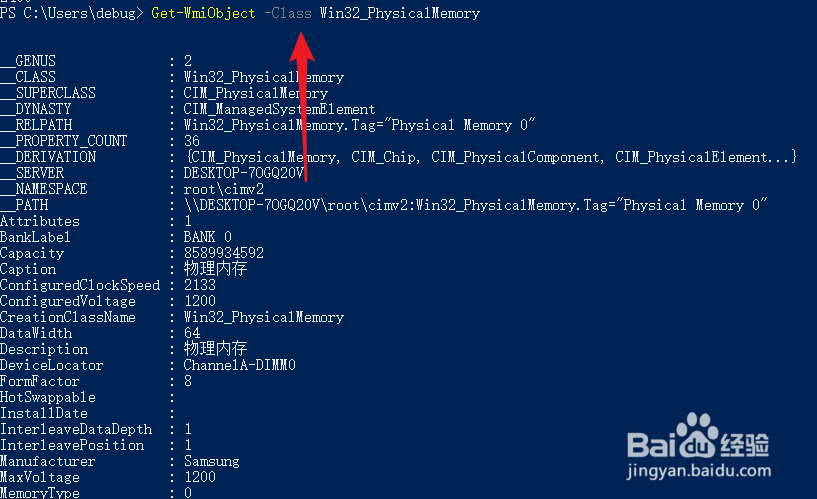
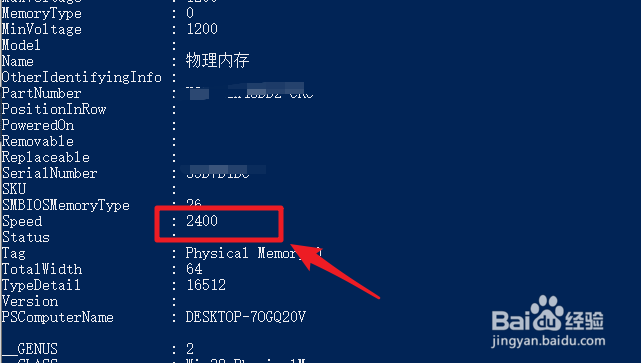
3、speed即为内存频率。
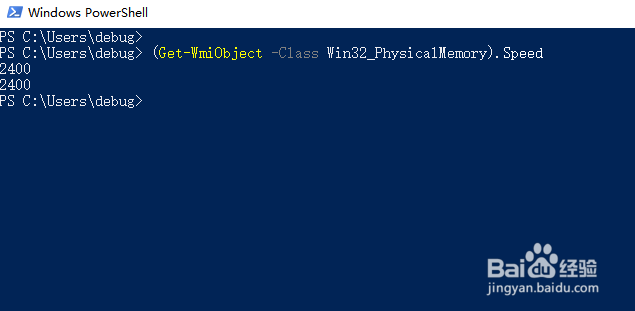
4、也可以直接访问speed成员。
1、win+r打开运行。
2、执行cmd。
3、执行wmic命令。
4、memorychip list full
列出内存信息。speed即为内存频率。
1、运行powershell。
2、Get-WmiObject -Class Win32_PhysicalMemory
执行。
3、speed即为内存频率。
4、也可以直接访问speed成员。