怎么设置Canary Use Copilot for Inbox关闭
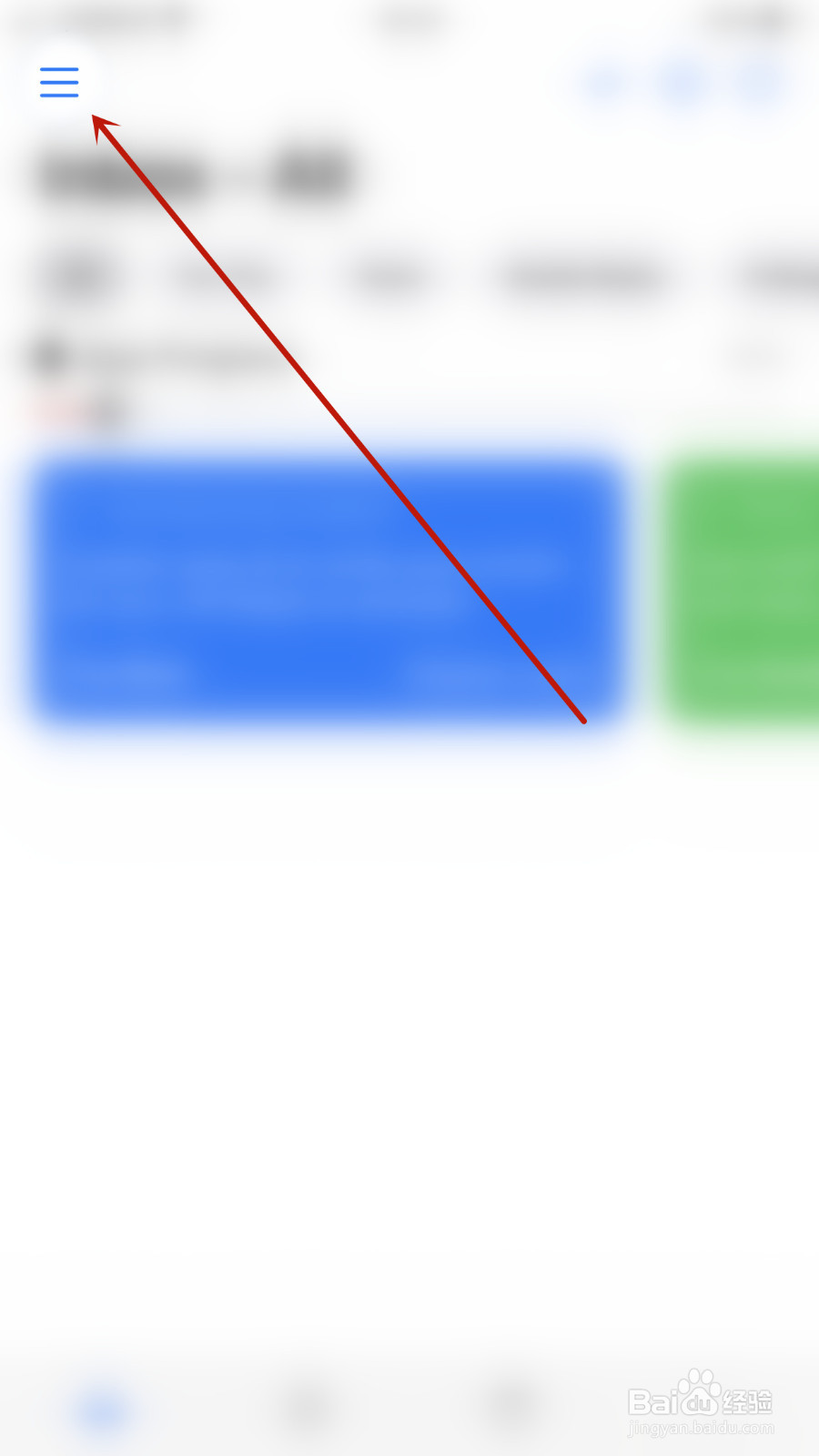
1、Canary首页点击左上角的【三】打开系统菜单界面
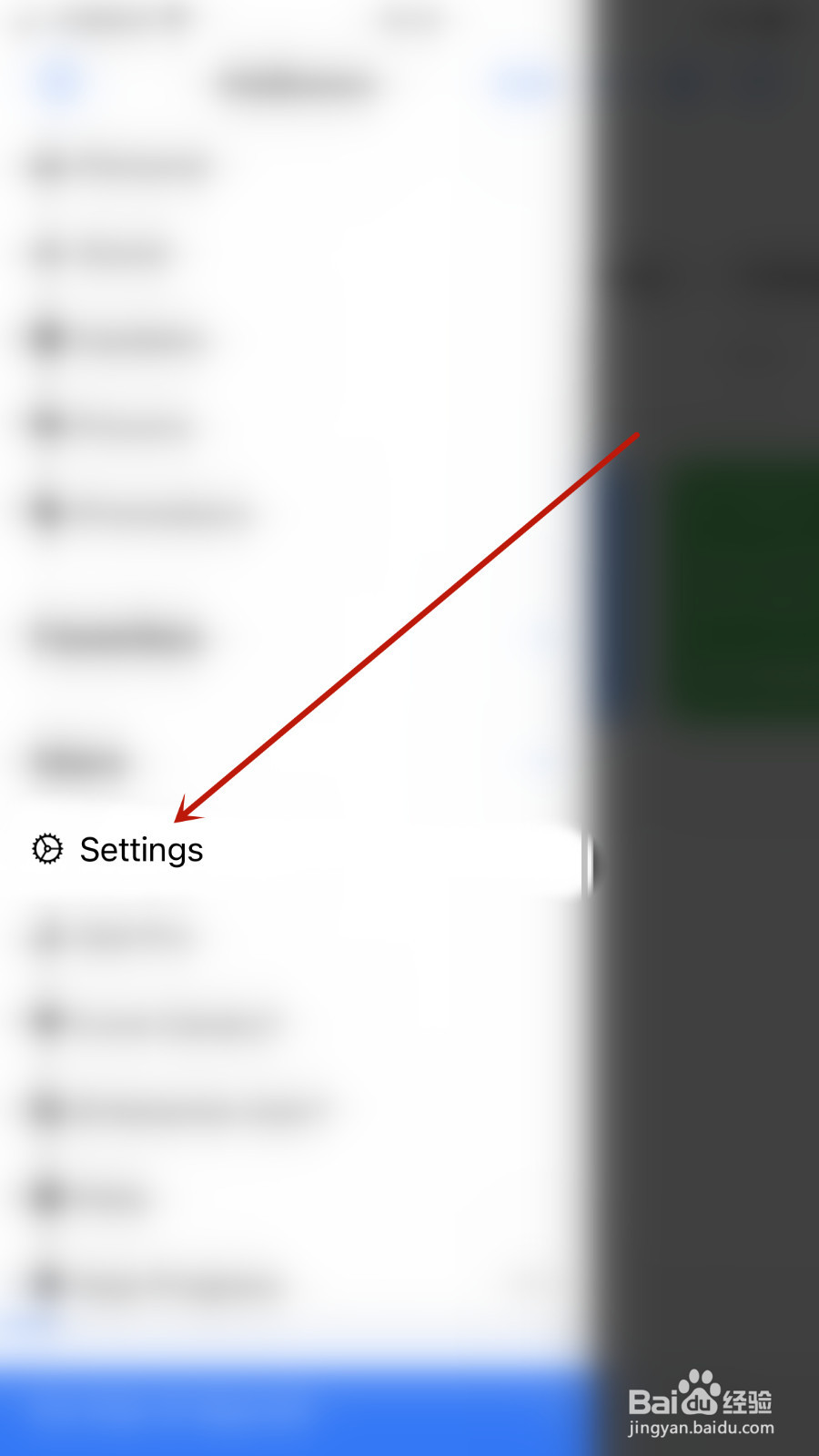
2、系统菜单界面点击【Settings】打开设置界面
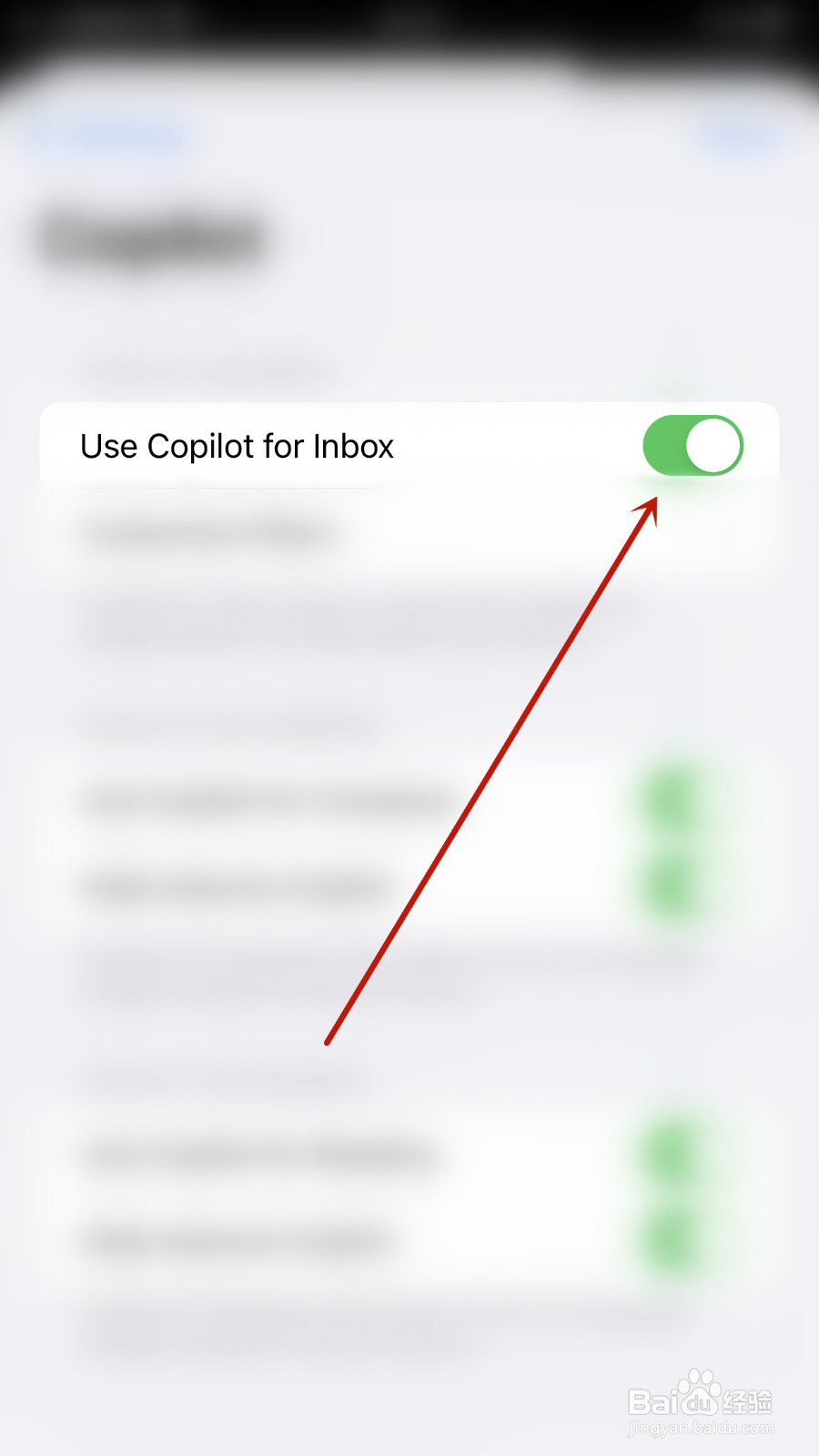
3、设置界面点击【Use Copilot for Inbox】后面的圆点
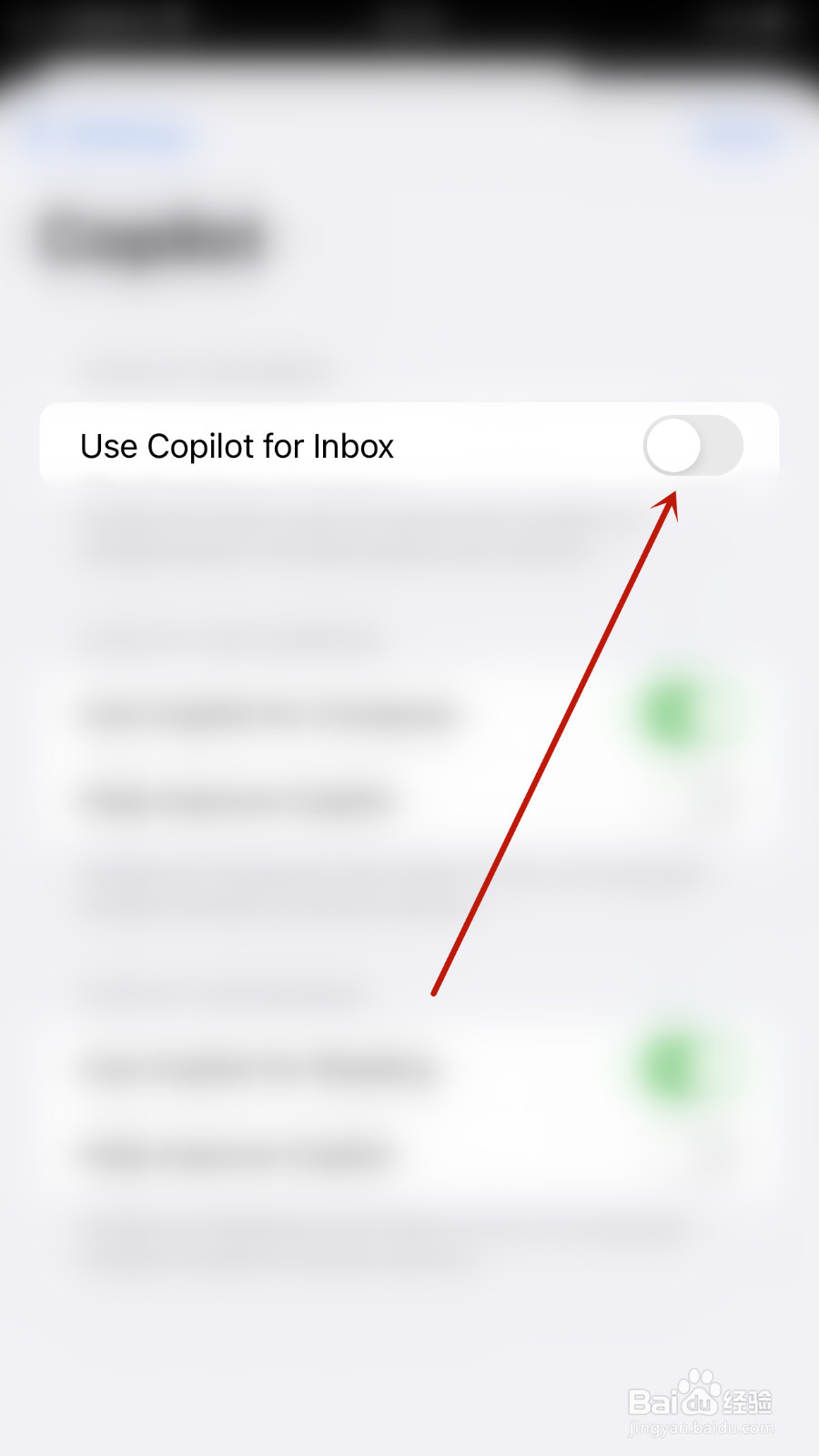
4、【Use Copilot for Inbox】后面的圆点变为灰色即表示设置Canary Use Copilot for Inbox关闭成功
阅读量:144
阅读量:42
阅读量:124
阅读量:101
阅读量:99
1、Canary首页点击左上角的【三】打开系统菜单界面
2、系统菜单界面点击【Settings】打开设置界面
3、设置界面点击【Use Copilot for Inbox】后面的圆点
4、【Use Copilot for Inbox】后面的圆点变为灰色即表示设置Canary Use Copilot for Inbox关闭成功