win7系统桌面图标有盾牌怎么办
1、单机“开始”在搜索中输入“CMD”大小写都行

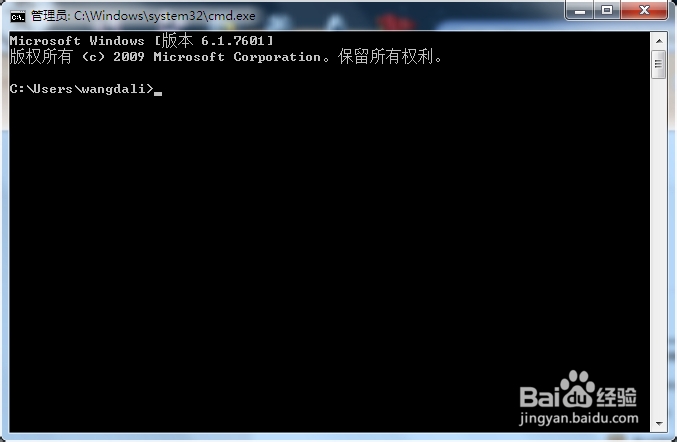
2、在“命令字符”窗口中输入代码:
taskkill /f /im explorer.exeattrib -s -r -h "%userprofile%\AppData\Local\iconcache.db"del "%userprofile%\AppData\Local\iconcache.db" /f /qstart explorer
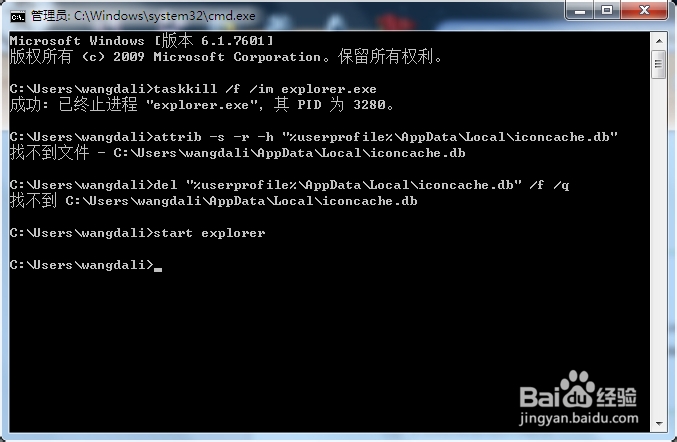
3、你看看桌面图标有什么变化

阅读量:151
阅读量:127
阅读量:172
阅读量:34
阅读量:161